Features
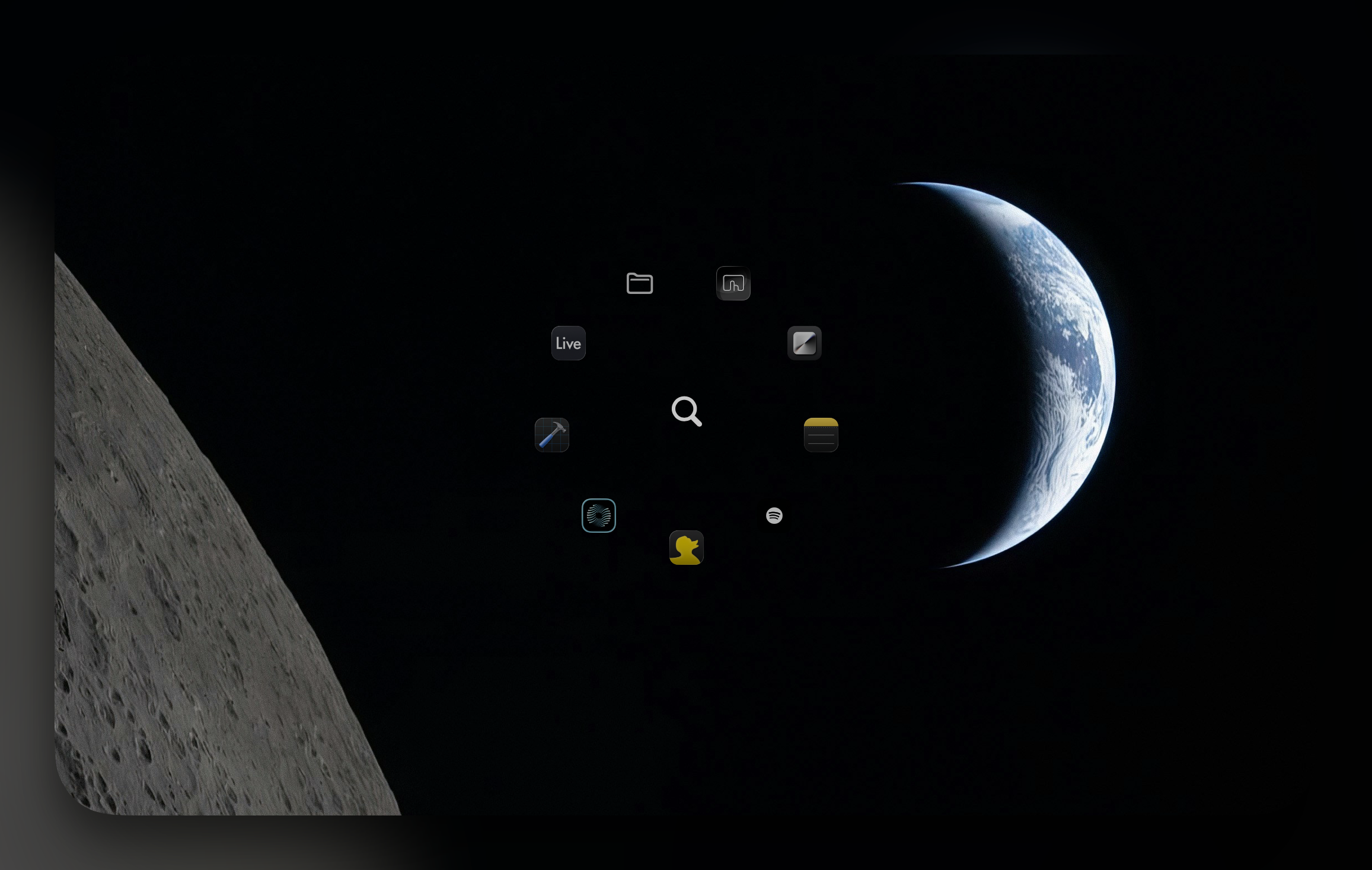
Launch apps, control music, open folders, and more — all from a radial menu around your cursor.
Trigger a circular menu at your cursor with a hotkey. Apps and actions orbit around your pointer.
Add your own apps, files, and scripts. Arrange them exactly how you want on the radial grid.
Bind any keyboard shortcut to trigger Orbita instantly from any app. No mouse required.
Add folders to your radial menu for instant access to your most-used directories.
Play, pause, skip tracks, and control volume without leaving your current window.
Adjust system volume with a quick gesture. Fine-tuned control without reaching for your keyboard.
Design your own radial layouts. Choose what appears and where, down to individual positions.
Premium
One-time purchase. No subscriptions. Every feature, forever.
Add as many apps, shortcuts, and folders as you need. Tailor every ring to your workflow.
Full playback control for Spotify, Apple Music, and more. Adjust volume with precision.
Open any folder instantly. Navigate your file system without touching Finder.
Fine-tuned gesture controls, system commands, and deep macOS integration.
7-day free trial. No credit card required.
Questions
To do its job, Orbita reads scroll events system-wide and displays a radial menu around your cursor. Those abilities require Accessibility access, which App Store sandboxing forbids so it can't ship there. Selling it direct is the only way an app like this can exist, and it lets the app be fully open about what it does.
It lets the app capture a global hotkey to show the radial menu and send app-switching or launch commands. That's the entire use. It does not read your screen, log keystrokes, or capture any content.
One-time purchase after a 7-day free trial has expired so you get to try it out first and see if you like it. No commitment, uninstall whenever!